Intrusion protection
Motion detectors, door contacts and compatible perimeter devices selected around the way the property is used.
Ajax security systems Sydney
Ajax brings intrusion protection, app control, life-safety devices, automation and compatible video into one straightforward platform—professionally designed around your property.
What Ajax can do
The system can begin with core alarm protection and expand with compatible functions as your needs change. We recommend only the devices and features that make sense for the property.
Motion detectors, door contacts and compatible perimeter devices selected around the way the property is used.
Arm, disarm, check system status and receive compatible alerts wherever you are.
Compatible panic buttons, remote controls and app-based alerts can provide a quick way to raise an alarm.
Compatible smoke, heat and carbon-monoxide detection can extend protection beyond intrusion.
Compatible relays and devices can control selected lights, gates, roller doors or other property functions.
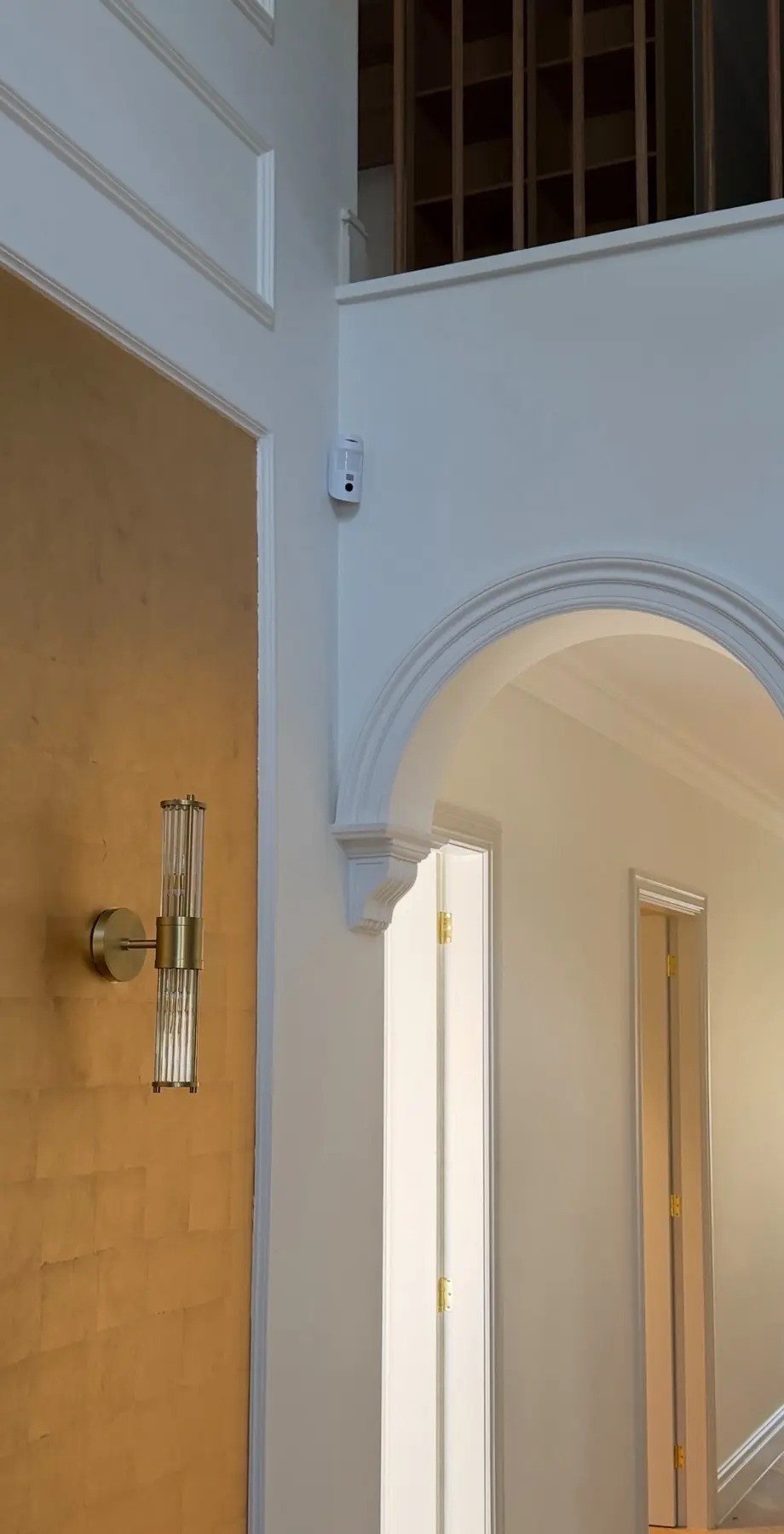
Compatible MotionCam devices can provide images with alarm events, helping you understand what triggered the system.
Bring compatible camera views into the Ajax app and combine alarms with a broader video-security solution.
Wireless, wired and range-extension options allow the design to suit different properties and future expansion.
When something happens
Compatible Ajax devices work together to identify an event, communicate it through the hub and provide useful information so an authorised user can respond.
Simple everyday control
The Ajax app provides one clear place to manage compatible security functions. Users can be added with the right level of access, while notifications help keep you informed of important events.
 Existing CCTV infrastructure
New Ajax Superior NVR
Already have compatible IP cameras? An Ajax Superior NVR can bring them into the Ajax ecosystem and apply onboard AI analytics—providing a practical path to smarter detection without automatically replacing every camera.
Identify people, pets and vehicles instead of treating every movement as equally important.
Focus on meaningful detections and find relevant footage more efficiently.
View compatible live video, recordings and configured event notifications through Ajax apps.
Camera compatibility, image quality and positioning are assessed before we recommend an upgrade. Features depend on the connected cameras, NVR model and system configuration.
Assess my existing camerasDesigned around the site
A good Ajax system is not a box of standard devices. Detection, communication range, user access and optional automation should be planned around the building, risks and daily routine.
Real Ajax installations
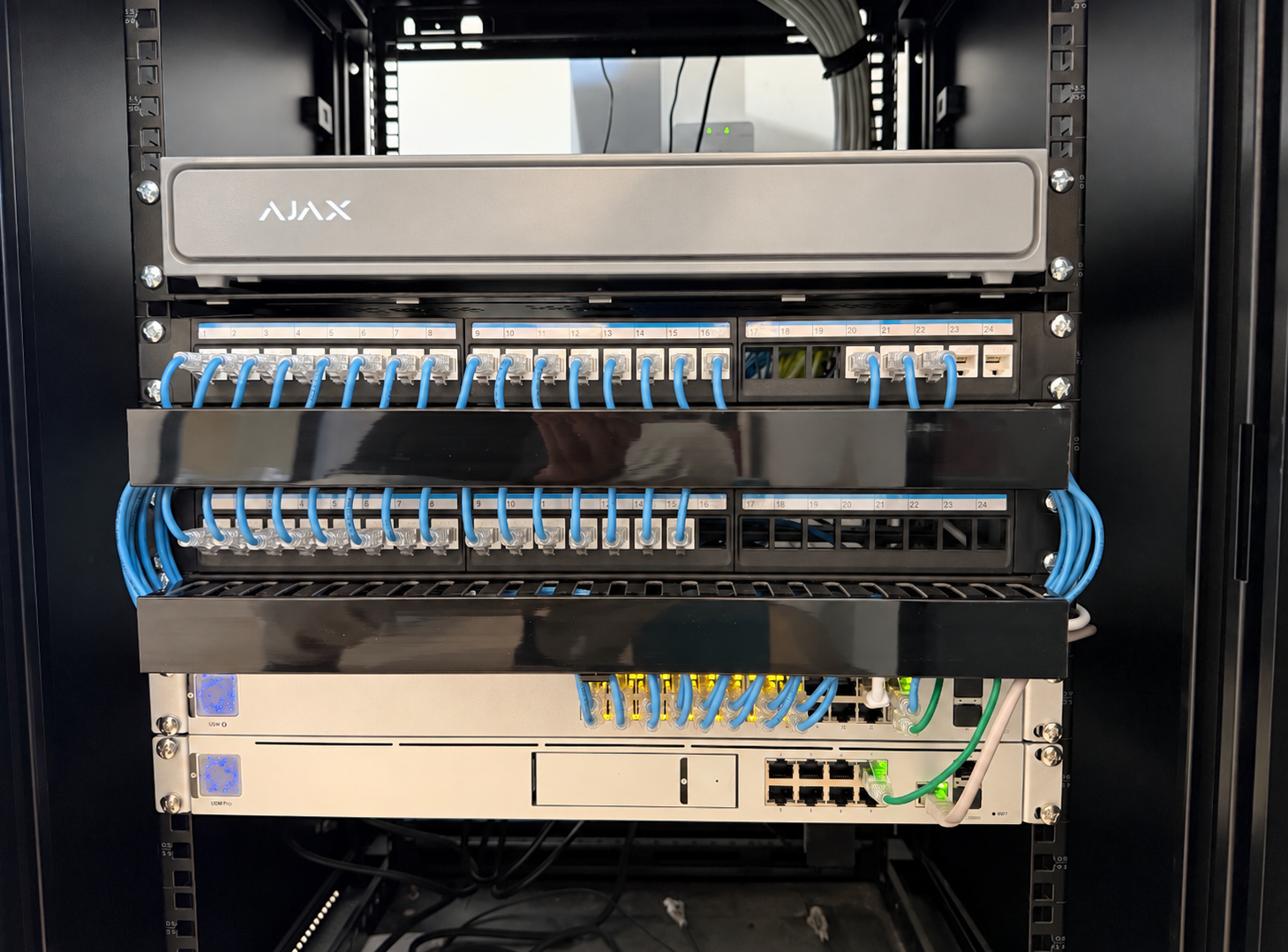
Device location affects detection, reliability and how the finished system looks. These completed installations show how Ajax devices can be positioned neatly around the property.
See more projects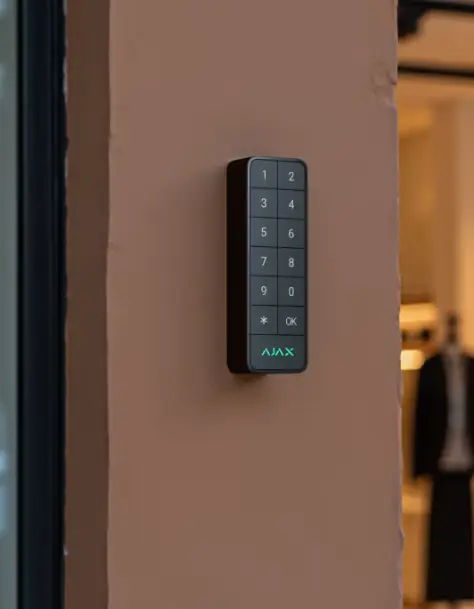
A compact keypad positioned near the doorway for convenient everyday arming and disarming.
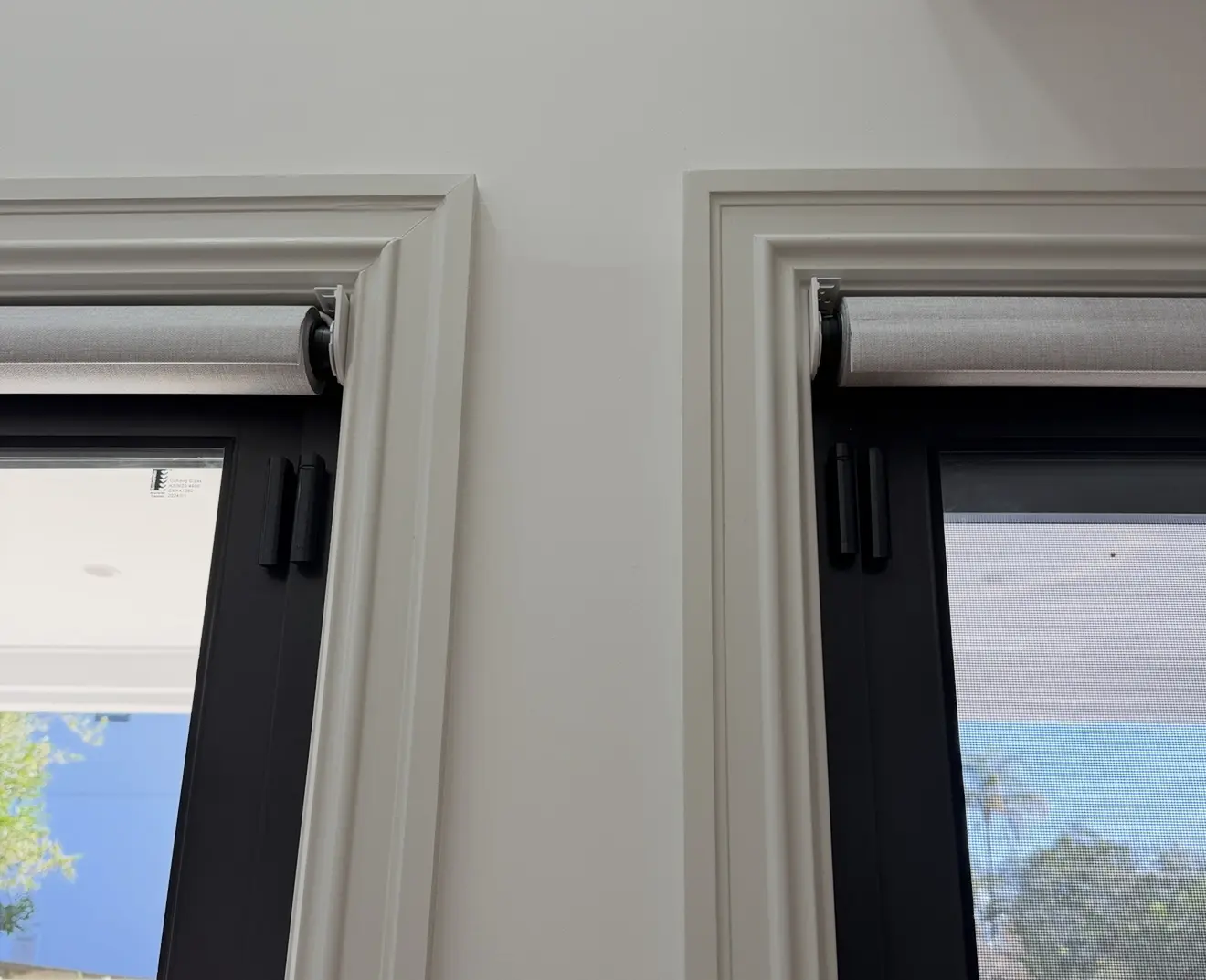
Matching wireless contacts installed neatly on adjoining frames to monitor entry points.
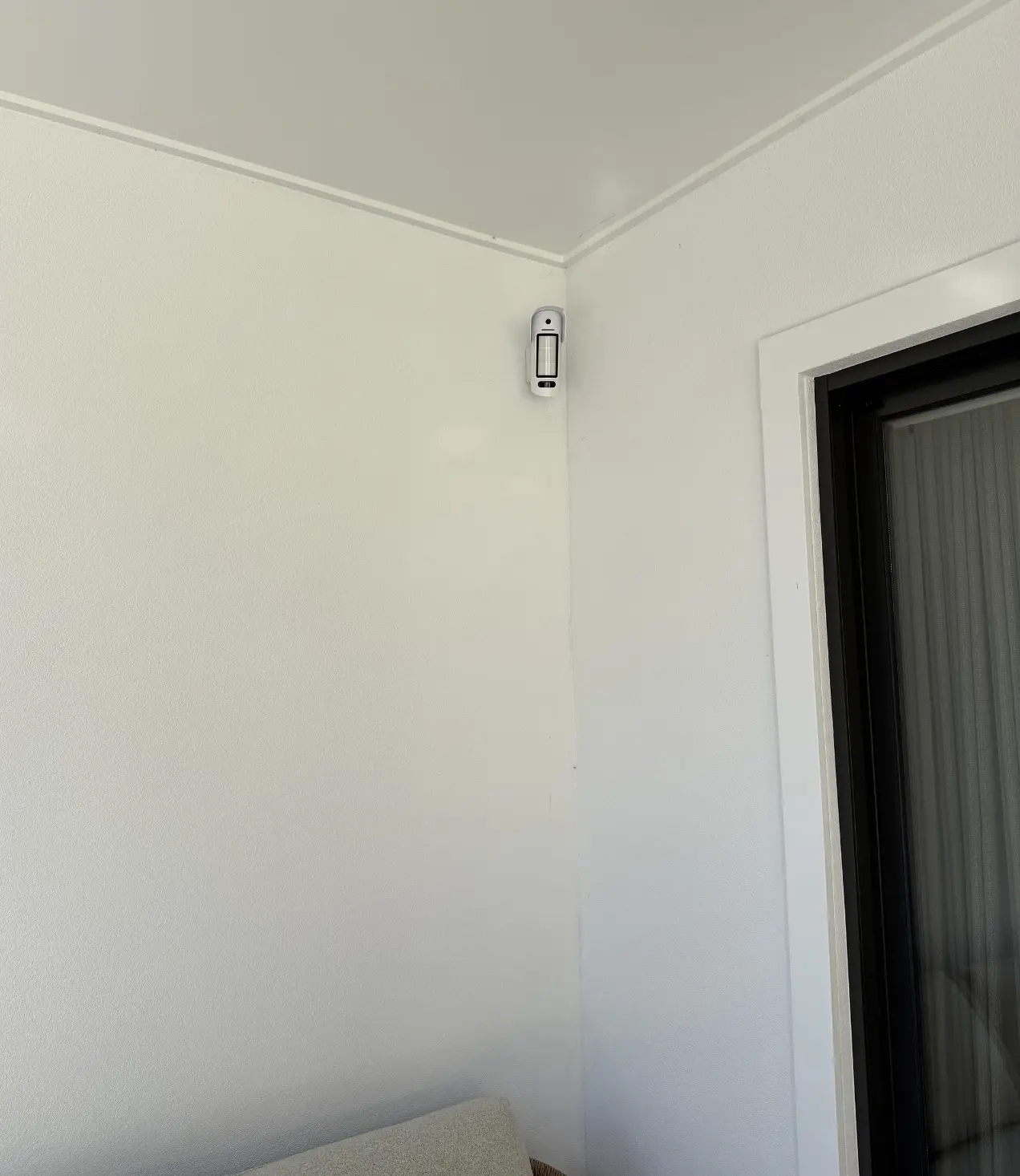
This IP-rated outdoor sensor provides fast photo-on-demand visual verification—a cost-effective option where wiring a CCTV camera is difficult or not practical.
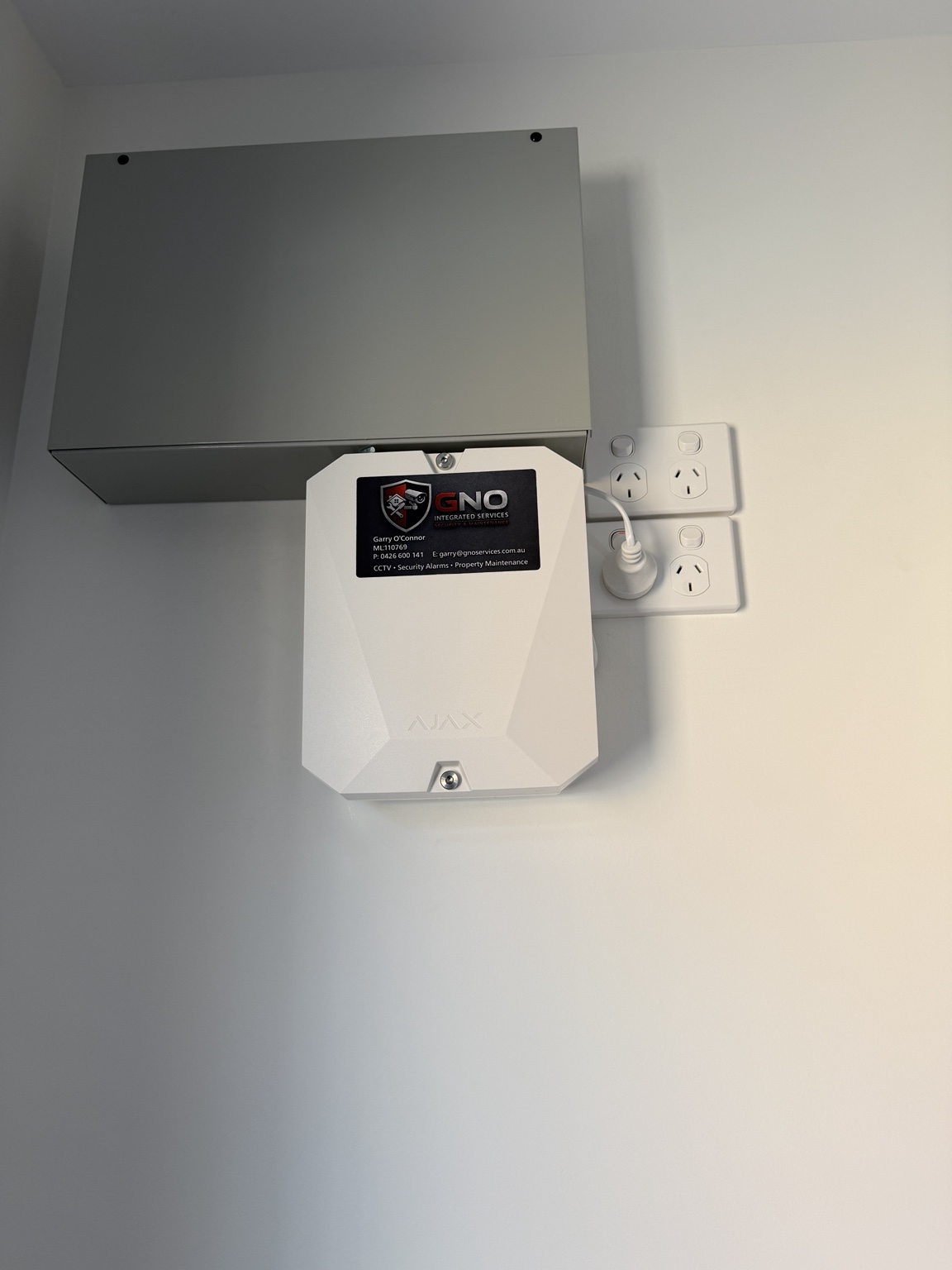
A neat wall-mounted enclosure with GNO company identification retained for straightforward future servicing.
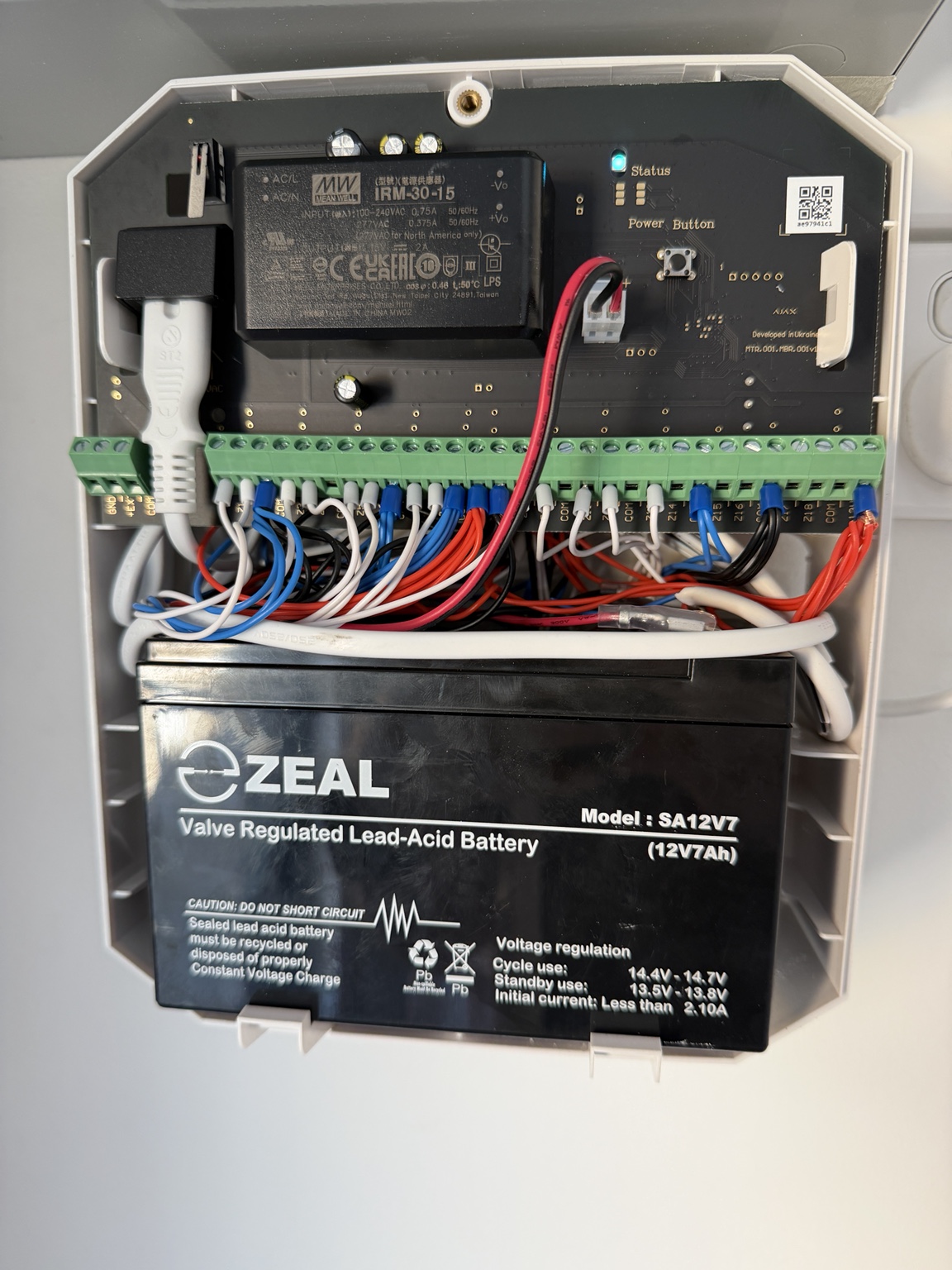
Hardwired alarm zones, power supply and backup battery arranged for dependable operation and service access.
Considering Ajax?